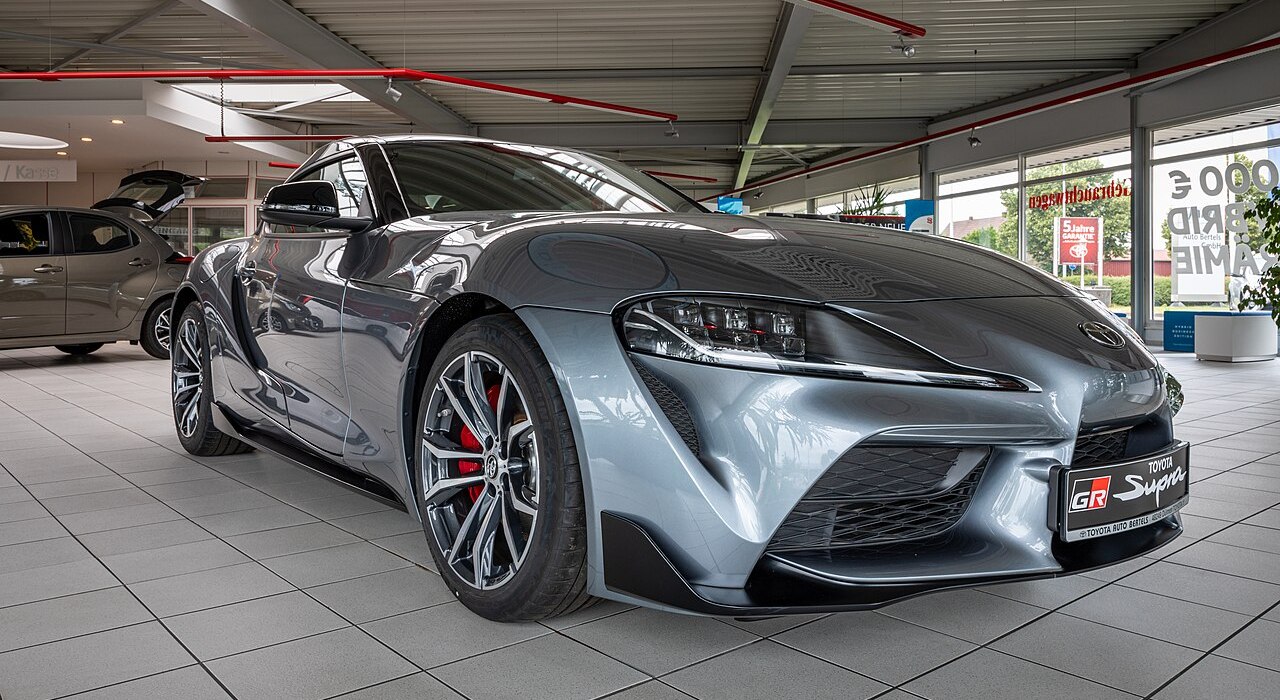
AI dealership photography
Showroom-Ready Photos, Without the Studio.
Turn any vehicle photo into presentation-ready dealership imagery — real showroom environments, matched lighting and shadows, your branding built in. Minutes, not a photo shoot.
How it works
Four steps to a finished image
Four simple steps to professional results in minutes.
Upload Your Vehicle Photos
Drop in photos of any car — JPG, PNG or WEBP, up to 15 per batch.
Choose Your Showroom
Pick from our library of real dealership photography, or upload an environment of your own.
Preview & Customize
Drag your car and logo into place, then set the style, lighting and camera direction.
Download Your Results
ShowBay generates presentation-ready images in minutes — download the full set when it's done.
Features
Built for real dealership photography
Not a novelty filter — a pipeline designed to hold up to professional use.
AI-Powered Compositing
Our AI model blends your vehicle into the real showroom photo in a single pass — correct lighting, shadows and perspective, not a cutout pasted on top.
Real Showroom Photography
Every environment is a genuine photograph, not a rendered gradient — your car ends up somewhere that actually looks like a dealership.
Natural Logo Placement
Your dealership logo is placed and blended by the same AI pass, so it reads like it was really there — not stamped on afterward.
Full Creative Direction
Set the style, lighting, camera angle and any extra instructions — they're passed straight through to the generation model.
Built for Batches
Run your whole day's intake through the same showroom and branding in one pass, not one photo at a time.
Real Database History
Every project and result lives in MySQL — reload, close the tab, come back next week, it's still there.
Ready to showcase your inventory?
Upload your first batch of vehicle photos and see them in a real showroom in minutes.